Submissions (12)

Luka Zaharin's avatar
Luka Zaharin10/17/2024

$5

I feel like nearly everything has been said in these many good guides, so I just want to reinforce some ideas and add a few tips of my own.

  • It is very important to define the role of your ship on the long term and do not hesitate to have several fits for a same hulltype depending on what you want to do with the ship at that moment.

  • If you start flying in PvP, get at least 5 fitted ships of the same type ready in your starting station. There is nothing worse than to have to get a new ship every time you die and see that ISK drain out of your wallet. You will die, certainly, but it is easier if you can jump right into the next ship and undock again.

  • Don't mix guns, tank or utility unless you are really sure that is want you want to do (Dualrep Breacher).

  • Use other people's fits as a starting point. Dissect and analyse every fit you get by a trustworthy player to understand how it works.

  • Ask for advice. Every group has that crazy fitting dude who will tell you much more than you ever thought you wanted to know.

  • Simulate your ships and do not buy things until you are sure they are the right modules for your ship. Use the filters in the simulation to find exactly what you want and try to buy at one of the large tradehubs for better prices. (Ask any friendly person ingame and you'll get the stations linked.)

  • For the very first ships, do not take it too seriously. Fly chap stuff, throw together what you have in your hangar and enjoy the game. There is always time for min-maxing as you continue playing.

  • Do not fly what you cannot afford to lose! By now this is more a meme than a real advice, but it is true! Do not fly anything you are not ready to lose and replace. Eve is a harsh world and no ship has ever survived getting undocked.

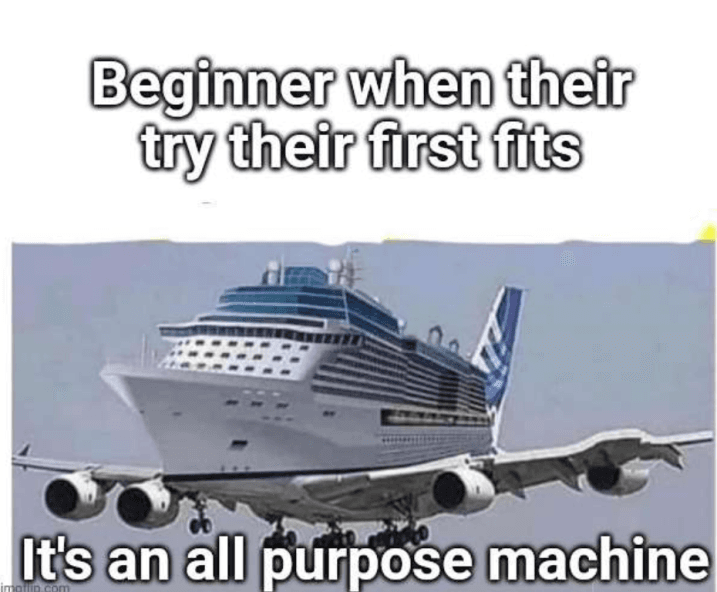
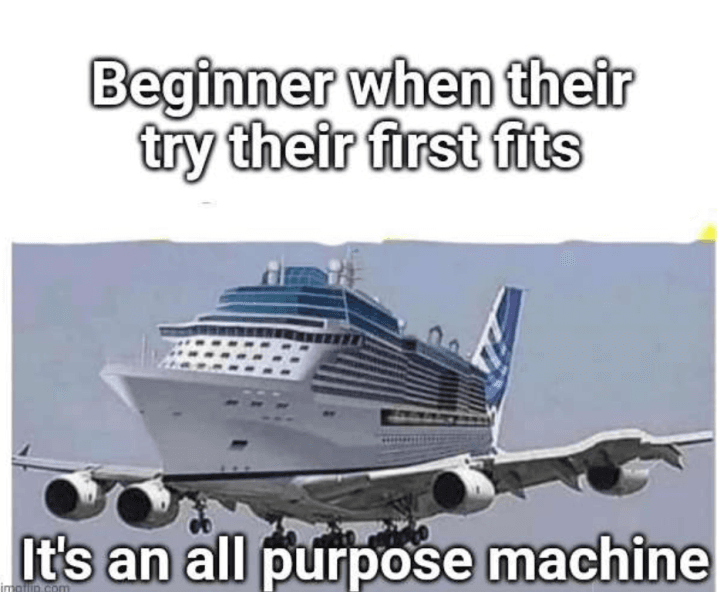
Fly safe out there and I'm going to leave you with this.

(My all purpose machine came quite late as I had heard this joke before, but I love my Loki and the mobile depot)

mypets's avatar
mypets10/17/2024

$5

I think there are several valuable tips for those just starting out, as I've seen many of them mentioned here! In general, I would say the following:

1. First, you need to have a clear idea of what your ship's objective is and focus on that. Specializing in something will make you more efficient, rather than trying to be versatile and “multitasking”. And according to your objective, you can choose your ship. I think the Gila is a good option for those just starting out!

2. Get to know your ship! Learn about the modules, the low, medium and high slots. Also, before you start spending money, it's very important to test the configurations. The game has a simulation function for just that. There are also public settings available in the game, which are very interesting for beginners.

3. Focus on training! It's important to know exactly which skills are most interesting to train, be strategic and objective, use these skills to complement your objectives. We don't want to waste money or time!

4. Keep an eye on the market! Don't be compulsive and buy everything at once, here we'll do our research and think carefully before investing. Markets like Jita are an excellent place to explore.

There are many important points, but these topics will help you a lot!

Dydo's avatar
Dydo10/17/2024

$5

First, head to a major trade hub (like Jita) for a wide variety of ships and modules.

On the left side of your screen, click on the Ship Fitting icon (or ctrl+f) to start.

At the window, on Hulls & Fits menu, filter the fittings by choosing Community Fittings. These are helpful for new players, because fitting may be very complex at first, but you will get it after some time playing EVE.

Find the type of ship you want to fit. For beginners, I would recommend a basic frigate (logistics or combat ships, useful in warfare) or hauler (cargo ship, good for transports), depending on your role in the game.


You need to check for not overloading the CPU or power grid, even on Community Fittings (it’s rare, but I’ve seen it happen). Look for flashing bars, that indicates you don’t have enough power or CPU to run that ship.

Check your current skills too, to ensure all the modules in the fit can be used on your ship.

Right-click the fitting and select Buy All. The cost of all the required items, including the ship you want to buy, is then shown on a window, where you can now click on Buy.


After purchasing, click the ship in your inventory to unpack it, to then fit modules.


Now, right-click on the Community Fitting you choose again and select Fit to Active Ship, or just click Fit Ship in the interface so all the purchased modules will automatically equip.

Once fitted, your ship is ready for action!


And now remember:

Ensure you have a balance of offense (weapons), defense (shield or armor), and utility modules.

Community Fittings are tried-and-tested setups that can help you avoid mistakes early on and to decide how to fit your ship. So… stick to them!!!

As I said, always check that you’re not overloading your ship’s power grid or CPU, as it will prevent you from equipping modules.

And the MOST important thing: do it after some research, to now what role/career fits… you! You are the commander, and there’s no ship better than another if you don’t know what kind of commander you want to be.

yan57436's avatar
yan5743610/17/2024

$5

I believe that the basics, when done well, are much better than crazy ideas without the proper knowledge. Here's what I consider to be basic but effective knowledge:

  1. Choice of Ship and Skills

    I know that choosing just one seems like a difficult idea, focus on those with bonuses for specific weapons or modules (I'm thinking of the Caracal). Remember to always train to perfect the modules

  2. Understand Low, Medium and High Slot Modules

    Just like when you buy a car, it's always good to understand how it works, so you understand what you're using. Based on this, understand that low-slot modules generally increase defense or damage, medium-slot modules help you navigate and high-slot modules are related to your weapons.

  3. Test the configurations

    Before spending your hard-earned money, use the simulation function to test your ideas (which are often better in your head than in practice). Using ready-made configurations is always a valid alternative

  4. Define the Ship's Objective

    Don't try to have a 10-in-1 ship, define a clear objective and make it as efficient as possible at it, be it PvP, transportation or mining. Be focused!

Hunter's avatar
Hunter10/17/2024

$5

Fitting Your First Ship in EVE Online: A Beginner's Guide

Welcome, new pilots! Starting your journey in New Eden can feel overwhelming, especially when it comes to fitting your first ship. But don't worry – this guide will help you fit your ship like a pro and set you on a course for success.

1. Know Your Ship’s Role

Before you fit any modules, ask yourself: what do you want to do? The ship’s role will dictate the type of fitting you need. For beginners, stick to:

  • Combat Frigates: Great for PvE (missions or ratting) and PvP skirmishes.

  • Mining Ships: For those focused on gathering resources.

  • Exploration Ships: Perfect for hunting down relic and data sites.

Each of these roles will need a different setup.

2. Understand the Basics of Ship Fitting

EVE’s fitting system uses three main resources:

  • Power grid (PG) and CPU: Every module you fit consumes power and CPU. Ships have limits on how much they can handle.

  • Capacitor: This is your ship’s energy supply. Modules like afterburners, shield boosters, and warp scramblers use capacitor energy. Manage your cap well, or you'll be stranded with no power to defend yourself!

3. Slot Layouts: High, Mid, and Low

Each ship has a layout of high, mid, and low slots where different modules go. Here’s a quick overview of what typically goes into these slots:

  • High Slots: Offensive weapons (like guns, missiles, mining lasers) and utility modules (like salvagers or cloaking devices).

  • Mid Slots: These vary based on your ship’s role but typically include things like afterburners/microwarp drives, shield modules, or tackle gear (warp scramblers or disruptors).

  • Low Slots: These are for Armor modules, damage mods, or fitting assistance (e.g., modules that improve your ship’s CPU or power grid output).

4. Weapon Choices for High Slots

If you're fitting a combat ship:

  • Hybrid Turrets (Blasters/Railguns): For Gallente ships, blasters are short-range with high damage, while railguns offer longer range but lower damage.

  • Projectile Turrets (Autocannons/Artillery): For Minmatar ships, autocannons are fast-firing and short-range, while artillery is great for long-range strikes.

  • Lasers (Pulse/Beam): Used by Amarr ships. Pulses are short-range/high-damage, and beams offer long-range capabilities.

  • Missiles: Caldari ships typically use missiles. They ignore tracking and hit wherever you aim, though slower than turrets.

5. Shields or Armor? Mid and Low Slot Decisions

  • Shields: as Basic rule but not set on stone If your ship has more mid slots, go with shield-based defence. Fit shield extenders for passive tanking or shield boosters if you want active defence (healing as you fight).

  • Armor: Ships with more low slots benefit from Armor-based defence. Use Armor repairers for active defence or plates to increase raw hit points.

6. Cap Management: Stay Powered Up!

When fitting modules that use capacitor (e.g., shield boosters, warp scramblers), always monitor your cap usage. Use modules like Cap Rechargers (mid slots) or Capacitor Power Relays (low slots) to help maintain cap stability.

7. Propulsion: Afterburners vs. Micro warp drives

Having a speed boost is crucial for many roles:

  • Afterburners: Less power drain, can be used when warp scrambled. Ideal for missions and general PvE.

  • Microwarp drives (MWD): Massive speed boost but uses a lot of capacitor and makes you less easier to hit. Great for traveling quickly or dodging in PvP.

8. Tackling: Get Up Close and Personal

If you’re fitting for PvP, having a warp scrambler or disruptor is key. They prevent enemies from escaping by disabling their warp drives. Scramblers have shorter range but also shut down enemy MWDs, while disruptors have longer range and have no effect on Micro Warp Drives.

9. Balancing Fittings: Use the Fitting Tool

The in-game fitting tool is your best friend. It shows if you’re exceeding power grid, CPU, or cap. Aim to keep your capacitor stable .

11. Keep Learning and Experimenting

As you progress in EVE, you’ll gain access to more modules, better skills, and more ships. Keep experimenting with different fits, and don’t be afraid to ask your Corp mates or Rookie's chat for advice!