Submissions (26)

MQC's avatar
MQC6/11/2025

$2

Verified

This is a simple way to go from having a dozen functional buttons on your HOTAS to having only the ones you need... because if necessary, instead of using one wildcard button, you can use two wildcard buttons, tripling the number of actions that can be performed directly with the other HOTAS buttons.

Eralm_237's avatar
Eralm_2375/21/2025

$2

Aside from a myriad of YouTube playlists spouting this or that, this singlehandedly has helped my brain realize the difference in the basic flight model. Beyond anything else, getting out the mail slot is the first step in doing anything in the game.

Verified
Osiliran's avatar
Osiliran3/30/2025

$2

Using the cargo scoop or landing gear as a space brake is a great flying tip that was shared with me ages ago. Physics doesn't need to be concerned here, haha, but deploying either one of these will limit the top speed of your ship (if I understand this correctly). The best thing is while this is the case, it does not limit the benefits you gain while under boost such as increased acceleration. So, the cargo scoop is quite handy at controlling top speed while still benefiting from the agility that boosting usually provides. I prefer the cargo scoop over the landing gear simply because you can toggle the cargo scoop as a hold button - the landing gear is just a press for on or off. If your ship outfit is struggling for power, then you may need to use the landing gear as your space brakes!

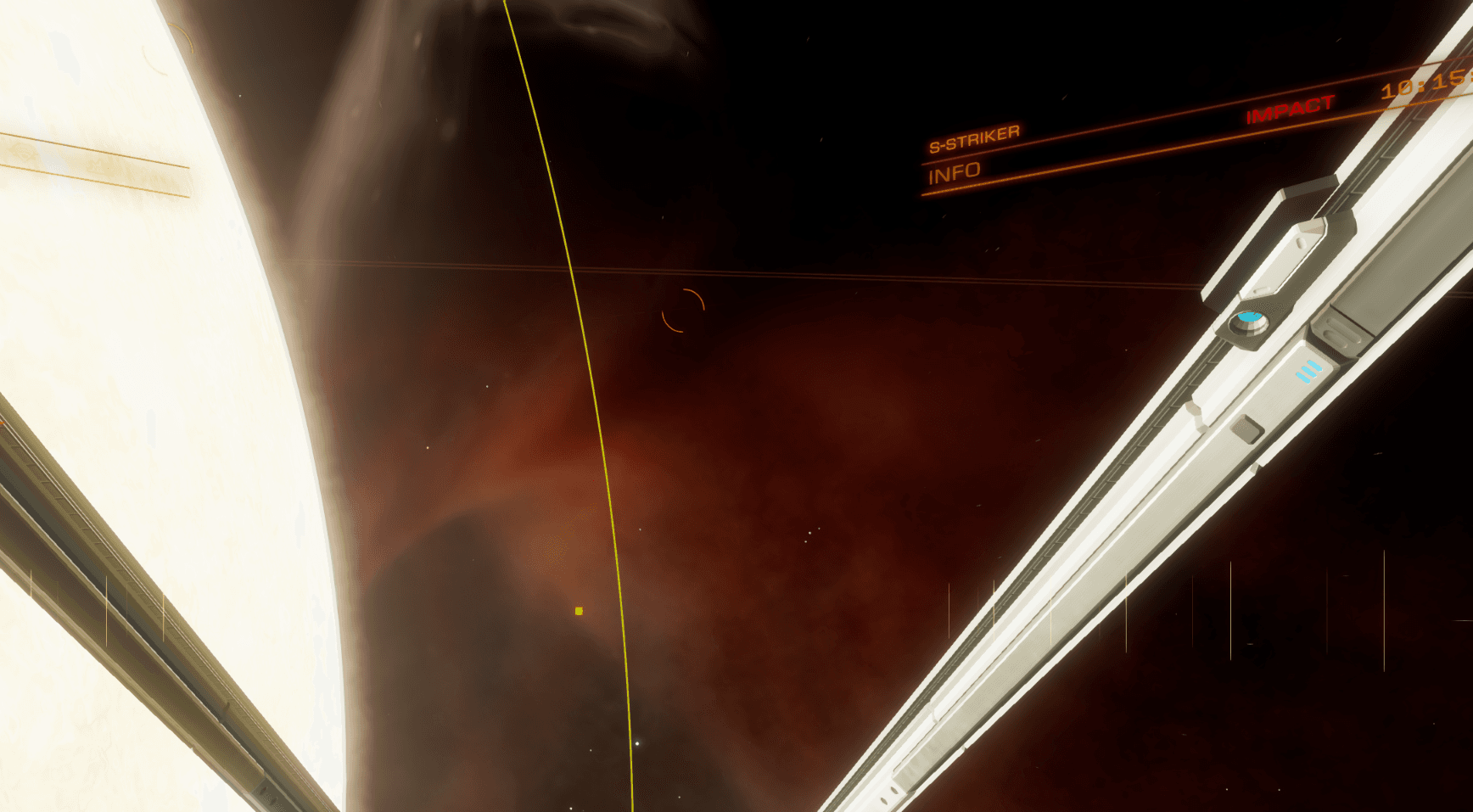
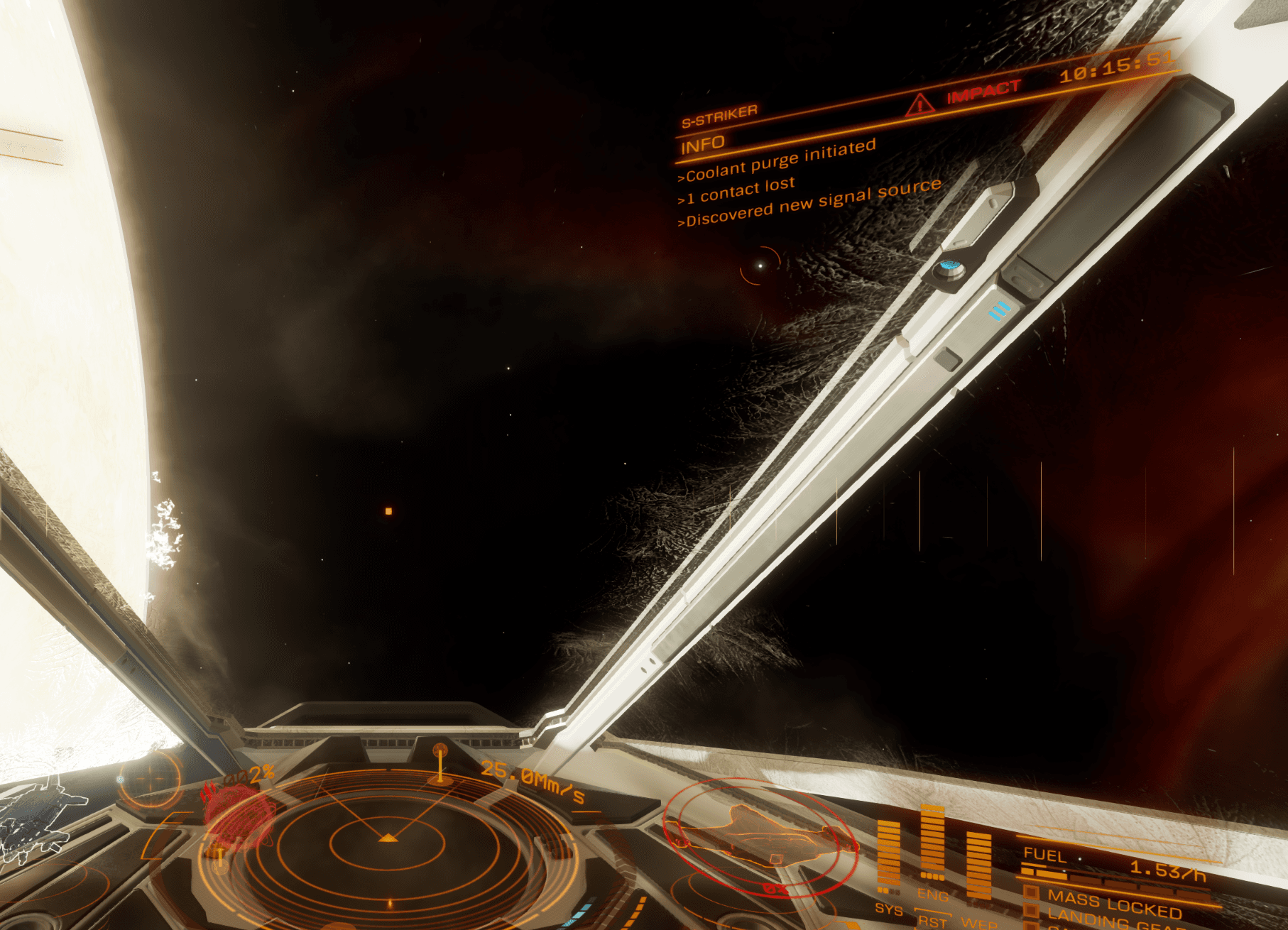
I wanted to share another tip off the back of Alec_Turner's great one about the mouse widget and exclusion zones. For those who absolutely dislike the widget and exclusion zones, you can turn them off and instead use the proximity warning in the top right part of the screen to gauge if you're on a crash course for the exclusion zone. To illustrate I've left the widget and the exclusion zones on. In the top right, you can see a warning of "Impact", which indicates you're heading for the exclusion zone, indicated by the mouse widget.

If you turn off the exclusion zone, you still get a crash course warning via the Impact message:

Handy if you're exploring and you want to remove the exclusion zones and mouse widget or for when a patch causes problems in VR. Just like the exclusion zone, point the nose of your ship away from the star until the Impact message disappears and you should be good to go for your fuel scooping while avoiding the zone.

Verified
ENDERS's avatar
ENDERS3/19/2025

$2

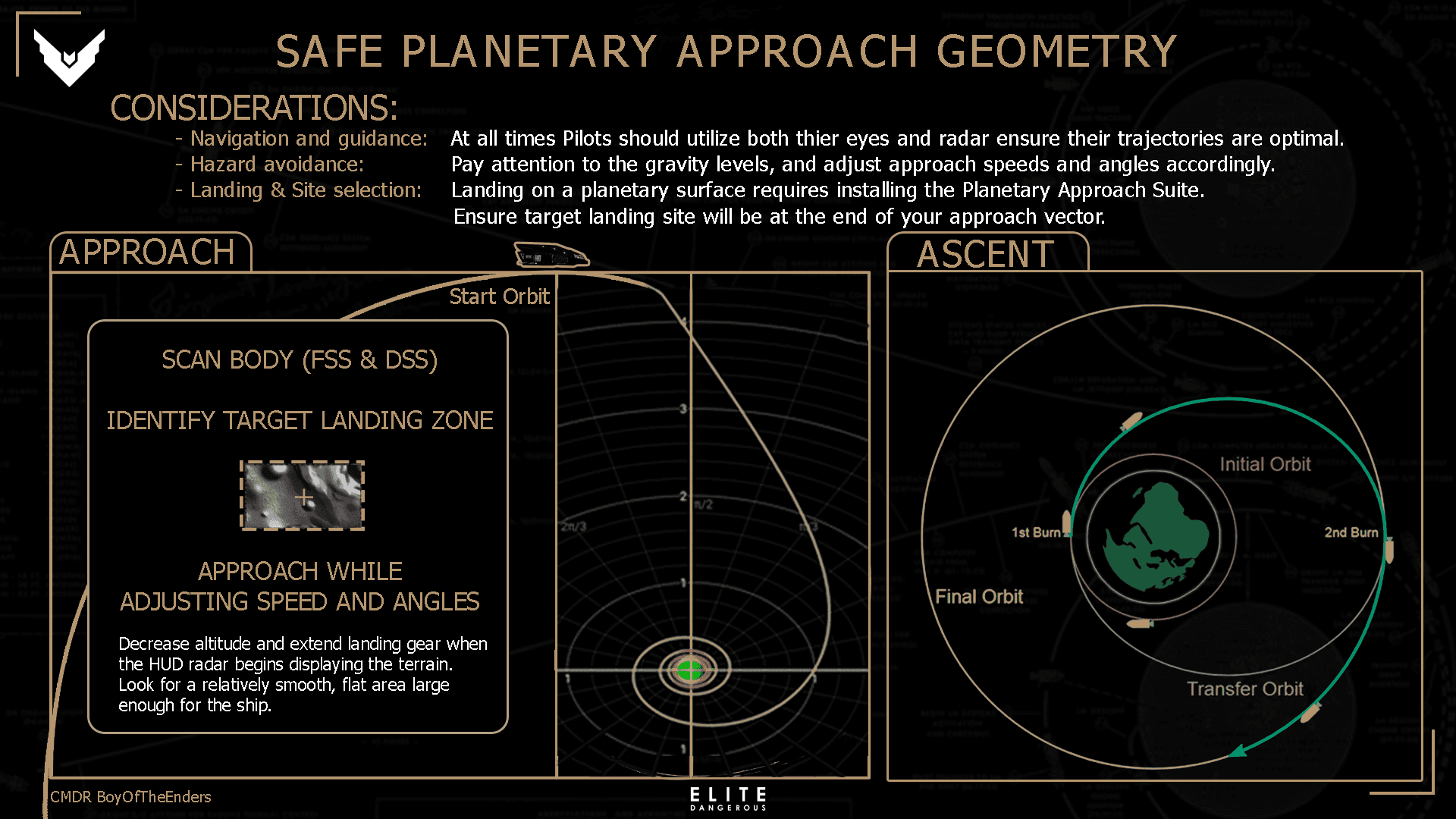
I made this infographic recently to help people in my Discord community and Squadron learn how to appraoch a planet properly. They couldn't get their glide stages to activate consistently.

Unlike approaching Space-Stations or orbital starports there is Planetary Landing, something I think people overlook the imporance of.
Yes there is a "throttle down to 50% engines/speed at 0:07 seconds tip" when approaching a body or station but there is also;

SAFE PLANETARY APPROACH GEOMETRY

Verified
CMDR John Wick's avatar
CMDR John Wick6/13/2025

$2

Verified

I wanted to add some different information to help players. I've already seen information about orbit and the 7-second rule, etc. Filters sometimes go unnoticed, but they are our friends. Whenever you do this: a combat, going to a station or a planet or to a signal, filters can help you find your way more easily and quickly. Without getting lost in too much information.